iPhone Not Charging? Here's What Might Be Wrong
May 07, 2026
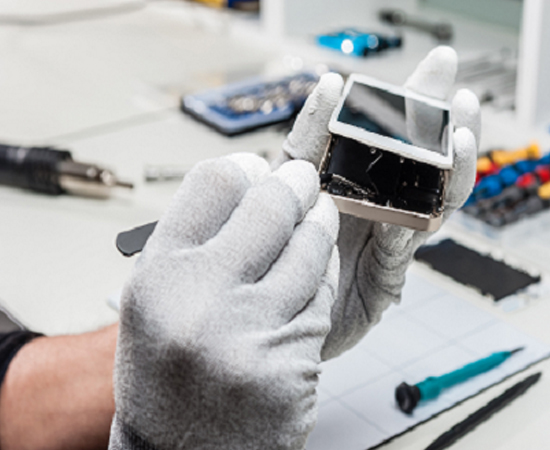
Do you find the battery is low even after a few hours of charging? It's frustrating, especially when you've got a full day ahead. Many people face the same problem and end up with a costly repair. But just wait a moment! Most of the time, it's not something serious. At iCareFon, we deal with this every single day, and a lot of these issues turn out to be small, fixable things. Let's go through what usually causes it.
Common Reasons Your iPhone Isn't Charging
Dust in the charging port
We see this a lot. Phones go into pockets, bags, even on beds and sofas. Dust slowly builds up inside the port. You may not notice it, but it blocks the connection. Sometimes, even a tiny layer is enough to stop charging completely.
Faulty charging cable
Cables don't last forever. They bend, twist, and get pulled around daily. From the outside, they might look fine. But inside, they could be damaged. We've had customers say, "It only charges if I hold it like this." That's usually the cable giving up.
Adapter problems
Not all adapters work the same. We've seen cases where the adapter looks okay but doesn't deliver proper power. Especially with older or low-quality ones, charging becomes slow or stops altogether.
Charging IC issue
This is inside the phone. A small part, but important. It controls how power flows. If it's damaged, charging becomes inconsistent or stops. In such cases, we step in and check it properly.
Water or moisture damage
Even a little moisture can mess with charging. It doesn't have to be full water exposure. Sweat, humidity, or a light spill is enough sometimes. We've seen phones act up after something as simple as getting caught in the rain.
Quick Checks You Can Try
Before you start worrying, try a few simple things. Switch your cable and adapter. We always suggest this first. It quickly tells you if the problem is external. Check the charging port. If you see dust, clean it gently. A soft brush or a wooden toothpick works. Just be careful. Try restarting your phone. Most of the time, that itself will solve the problem. But many users often do not come forward to do that at the moment! Also, here's something people often miss—try a different power socket. We've had cases where everything was fine, and it was just the wall socket acting up. Small things like this can save you a lot of time.
What We Do at iCareFon?
If the issue still doesn't make sense, that's where we come in. At iCareFon, we start simple. Port cleaning solves a surprising number of cases, and it's quick. If that doesn't fix it, we check the charging circuit to find the exact issue. For deeper problems, we go for component-level repair. That means we fix only what's damaged instead of replacing everything. It keeps things faster and more affordable for you. In most cases, we're able to sort it out without making it a big deal.